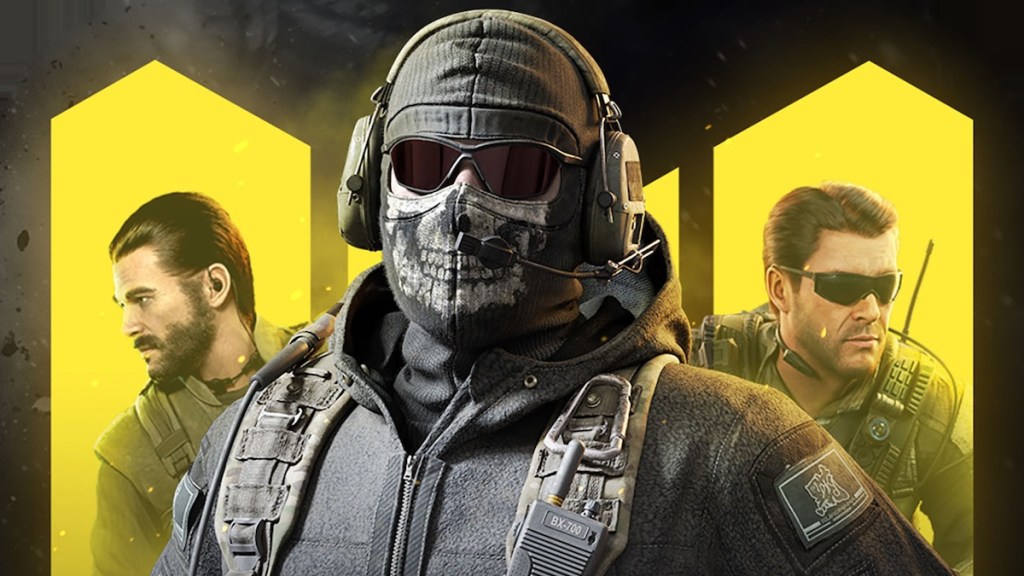
What’s up guys, today I’m going to show you how to take your COD Mobile gaming to the next level with an external controller! If you’re tired of struggling with the touch interface on your mobile device, or you just want to dominate the competition like a pro gamer, then this guide is for you.
Advantages of Using an External Controller
First things first, let’s talk about the advantages of using an external controller over the touch interface. One of the biggest benefits is increased accuracy and precision. Let’s face it, no matter how skilled you are at using the touch interface, it’s just not as accurate as a physical controller. With a controller, you’ll be able to aim and shoot more precisely, giving you a distinct advantage over other players.
CLICK HERE FOR A SPECIAL OFFER FROM OUR SPONSORS
Another advantage of using a controller is that it’s more comfortable to use. After all, holding your phone or tablet for extended periods of time can be a real pain in the neck (literally). With a controller, you’ll be able to play for hours without experiencing any discomfort.
Now that we’ve covered the benefits of using a controller, let’s move on to the setup process.
Setting Up Your External Controller
Before you can start dominating the competition with your external controller, you’ll need to set it up. Fortunately, the process is relatively straightforward.
Step 1: Make sure your controller is compatible with your device. Most modern controllers are compatible with both Android and iOS devices, but it’s always best to double-check.
Step 2: Connect your controller to your device via Bluetooth. To do this, turn on Bluetooth on your device and your controller, then follow the on-screen instructions to pair the two.
Step 3: Launch COD Mobile and navigate to the settings menu. From there, select “Controller” and enable “Controller Support.”
Step 4: Configure your controller settings. COD Mobile allows you to customize your controller settings, so take some time to configure it to your liking.
And that’s it! You’re now ready to dominate the competition with your external controller.
Conclusion
Using an external controller in COD Mobile is a game-changer. Not only does it provide increased accuracy and precision, but it’s also more comfortable to use. So, if you’re serious about gaming, and you want to take your COD Mobile skills to the next level, then I highly recommend investing in an external controller. Trust me, your opponents won’t know what hit them!
 CheckYourTech
Leave a comment